Focus
One thing at a time.
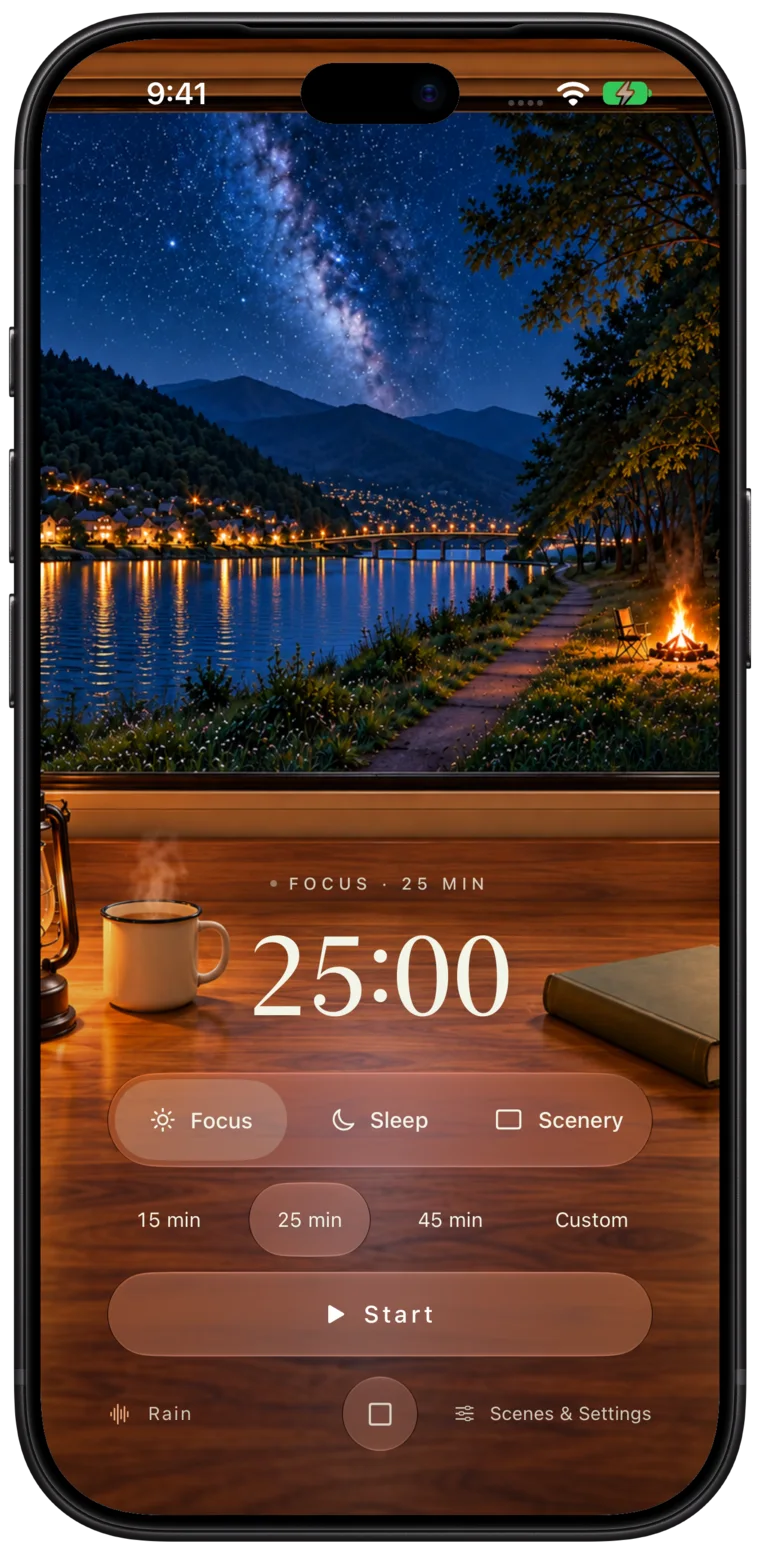
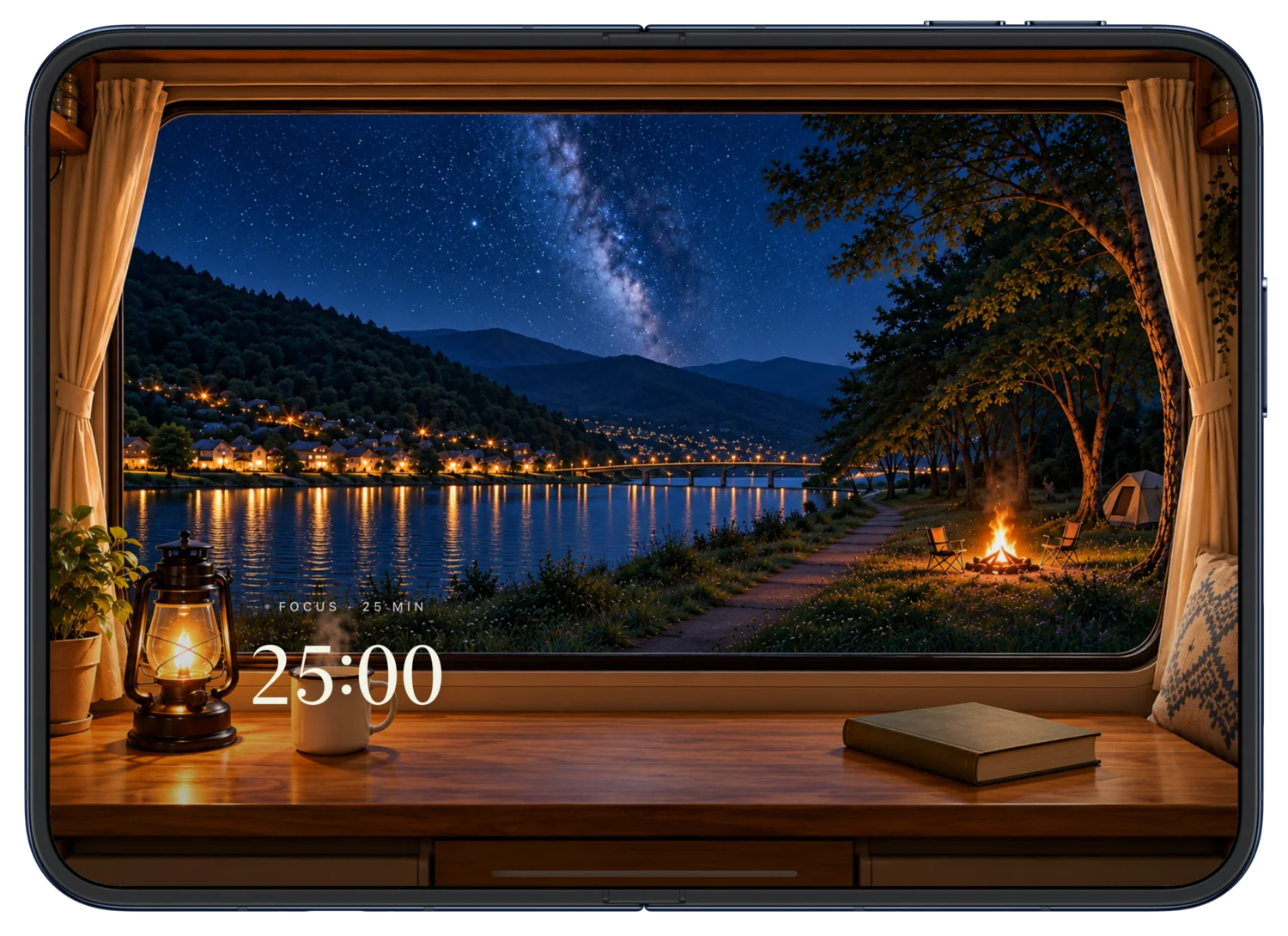
Choose 15, 25 or 45 minutes, or set anything from 1 to 720 minutes. Each session flows into a 5-minute break, like a Pomodoro timer with a window.
- 15 min
- 25 min
- 45 min
- Custom
 Slow Window
 brings together a window view, rain and forest sounds, a focus timer and a sleep timer. Set your phone beside you while you study, work or wind down, and keep a quiet pace of your own.
iPhone, iPhone Duo & iPad · iOS 17 or later · Free to download
Made for iPhone Duo
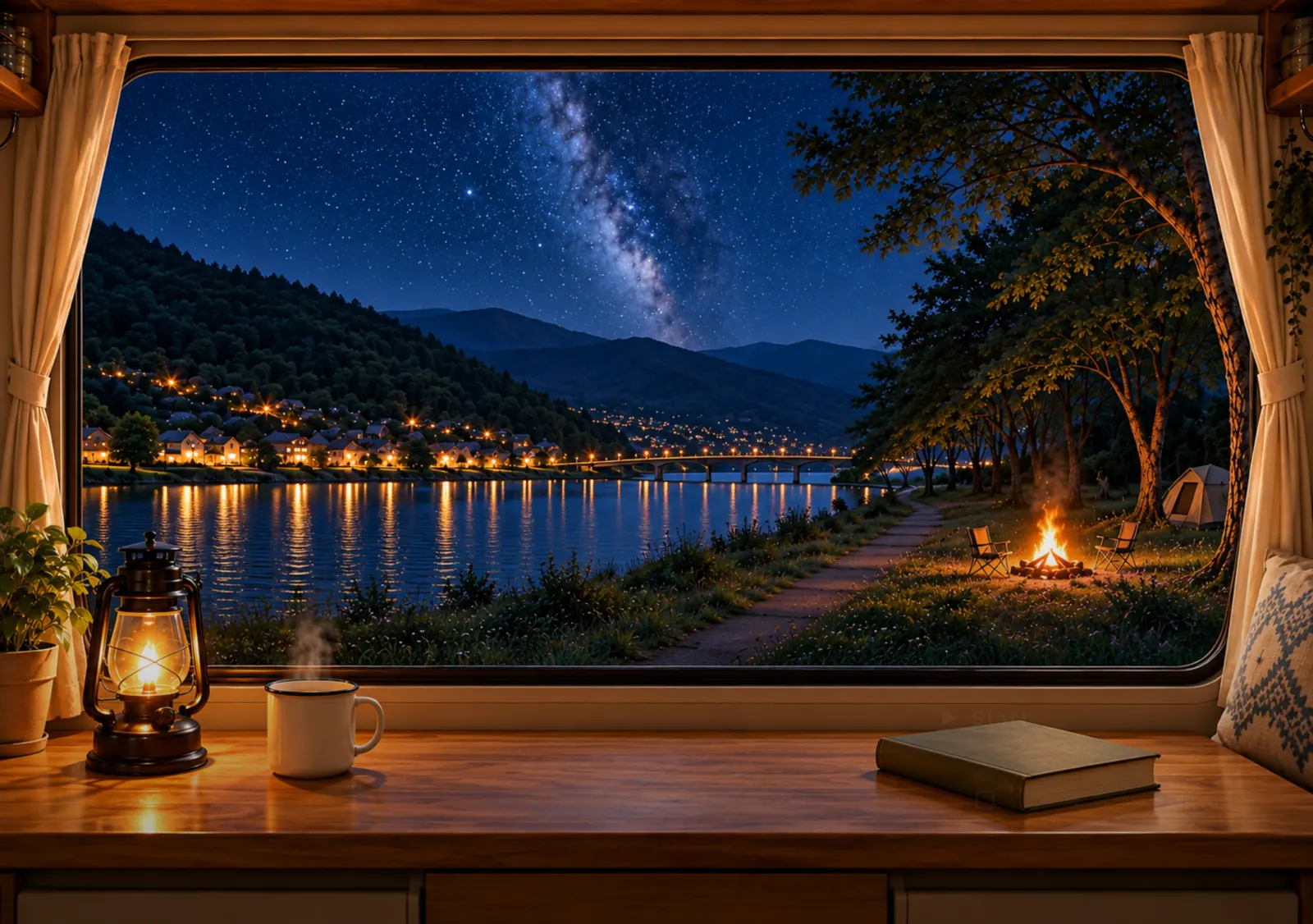
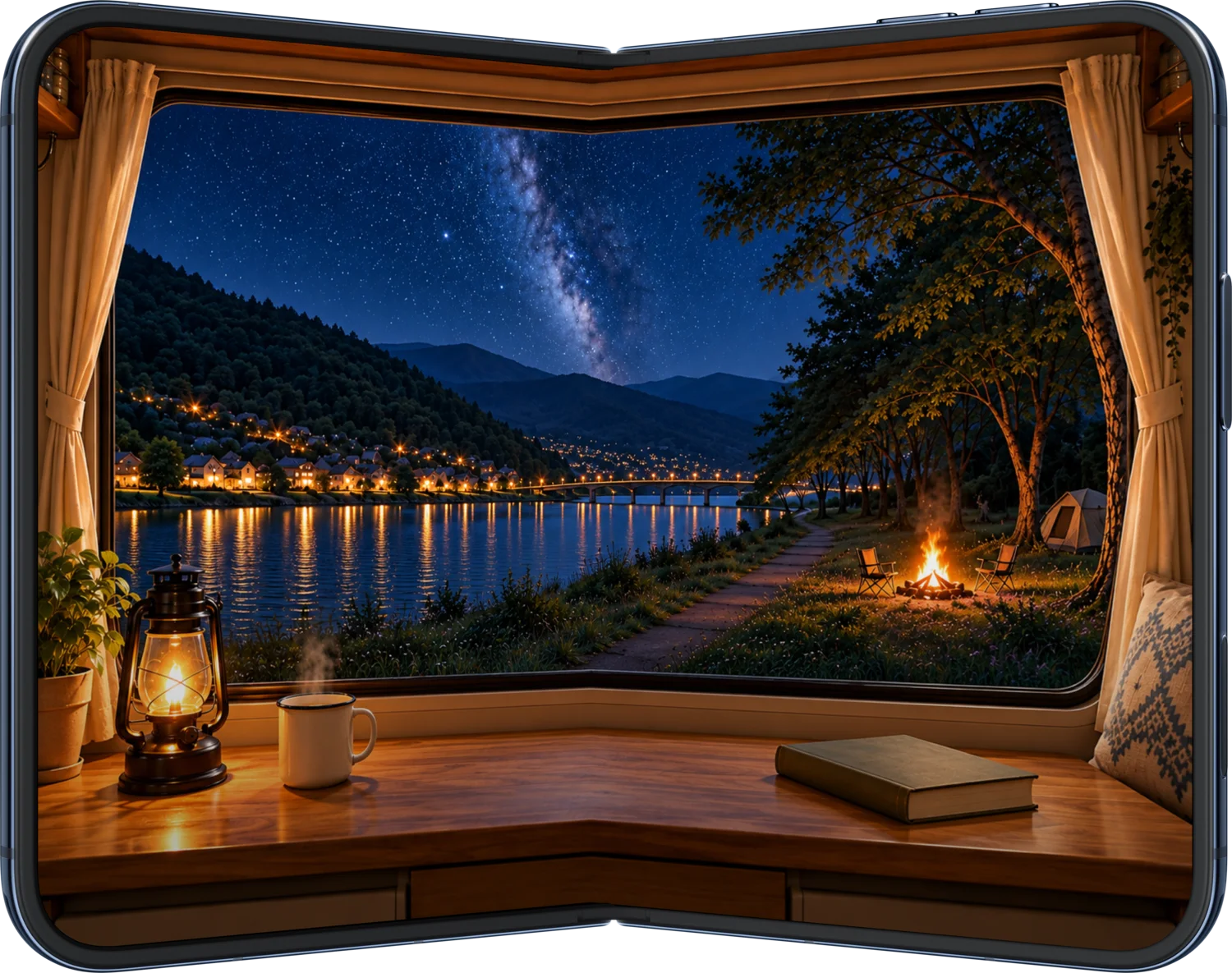
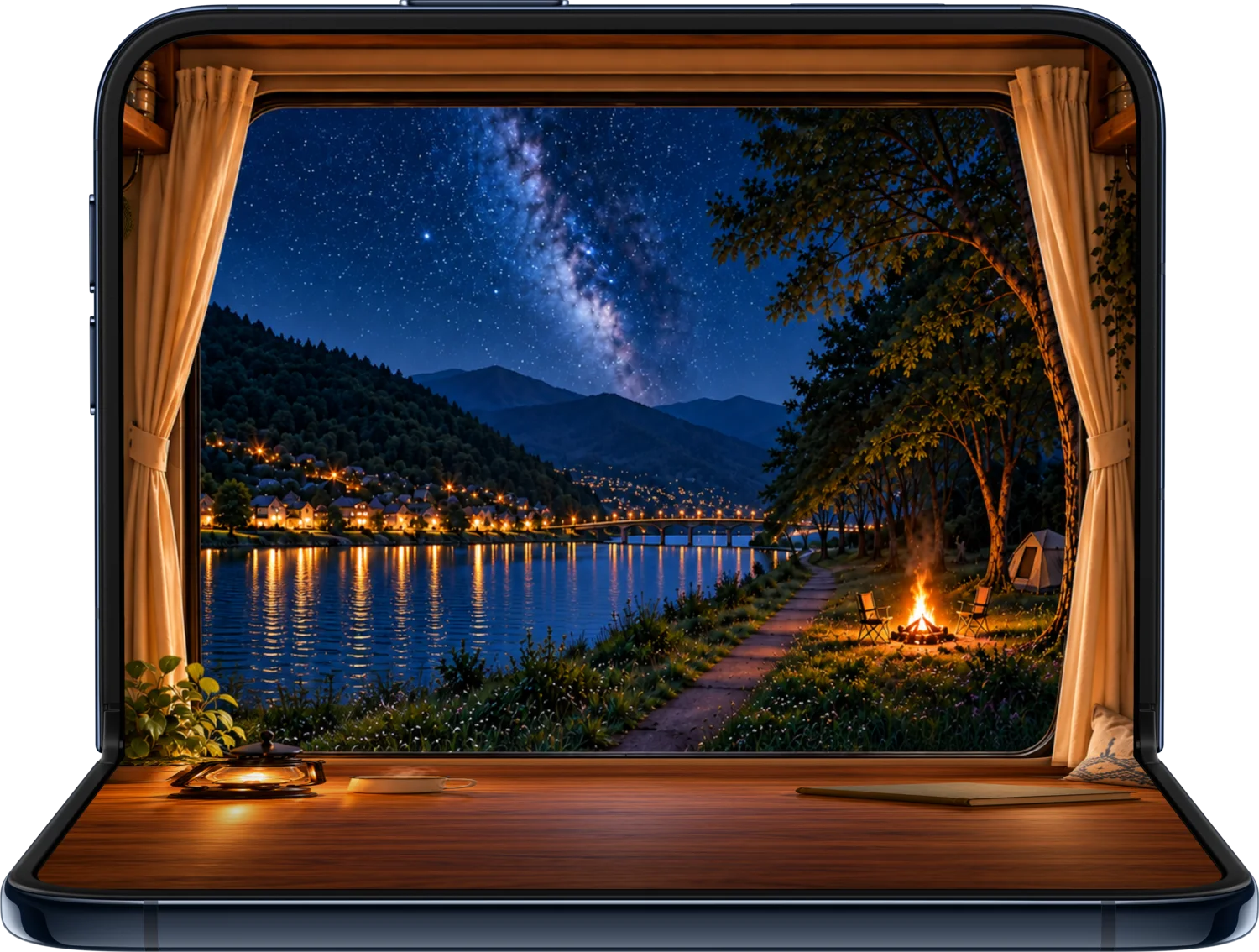
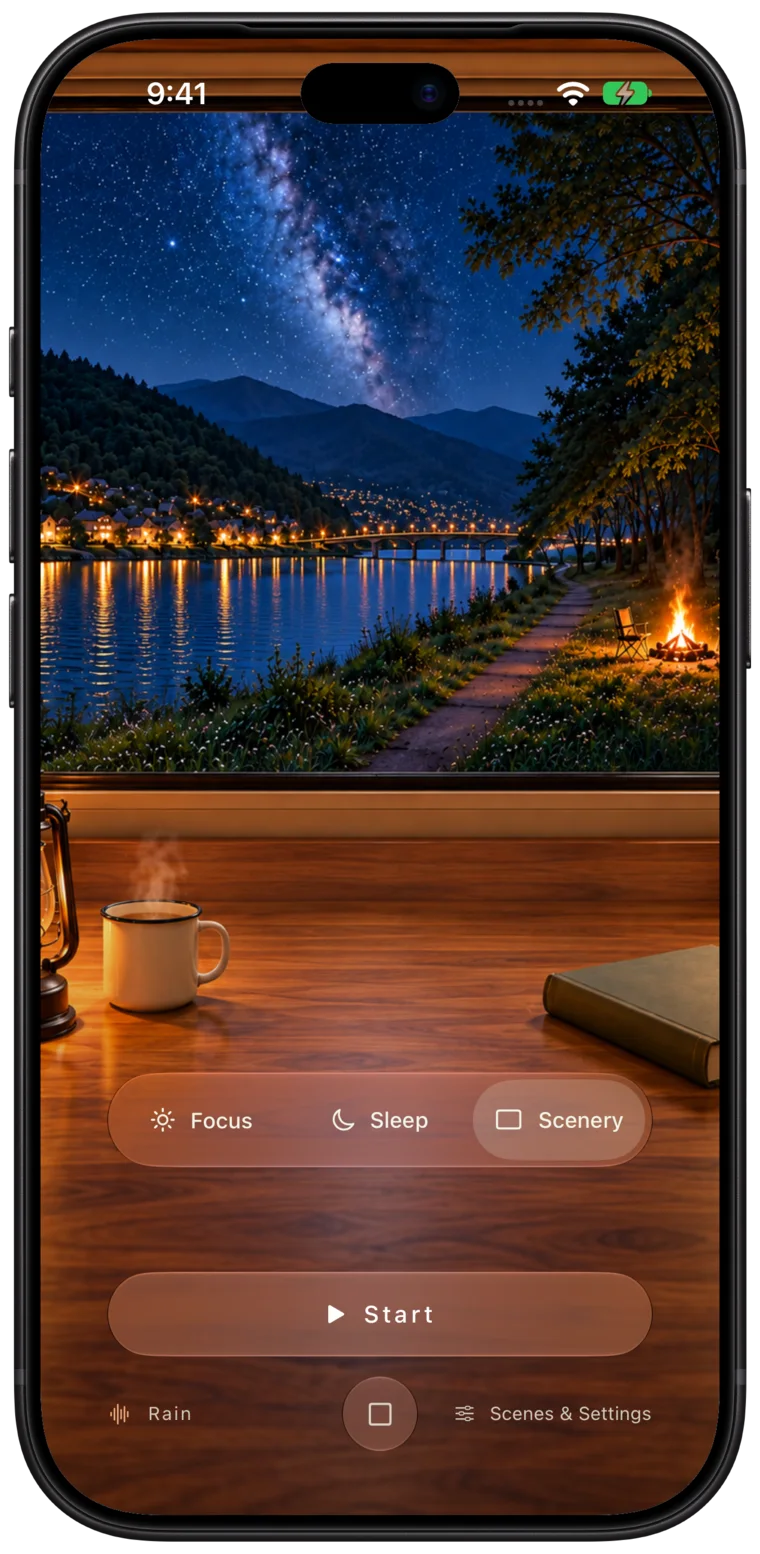
On iPhone Duo, Slow Window follows the fold. Closed, the cover screen becomes a tall little window. Open it and the view widens into the full camper window and desk. Focus and sleep timers and your sounds keep going through every fold.
More about Slow Window on iPhone Duo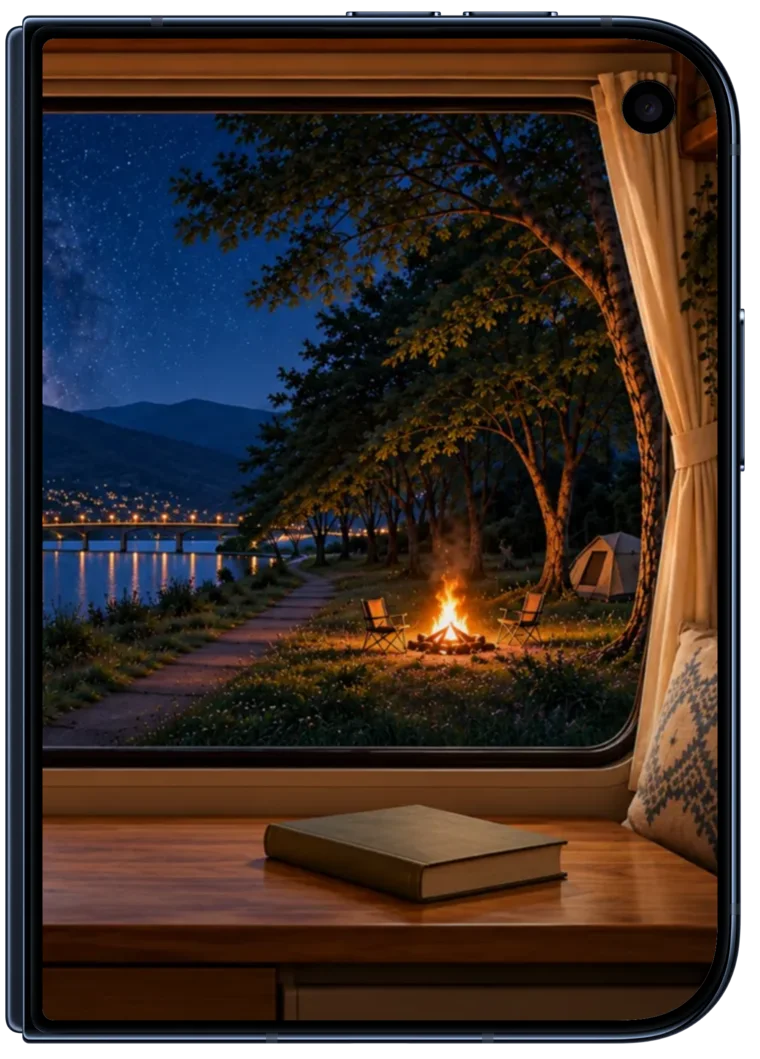
Three modes
Focus, sleep and scenery share the same window. Switch modes and the view and sound stay with you.
Focus
Choose 15, 25 or 45 minutes, or set anything from 1 to 720 minutes. Each session flows into a 5-minute break, like a Pomodoro timer with a window.
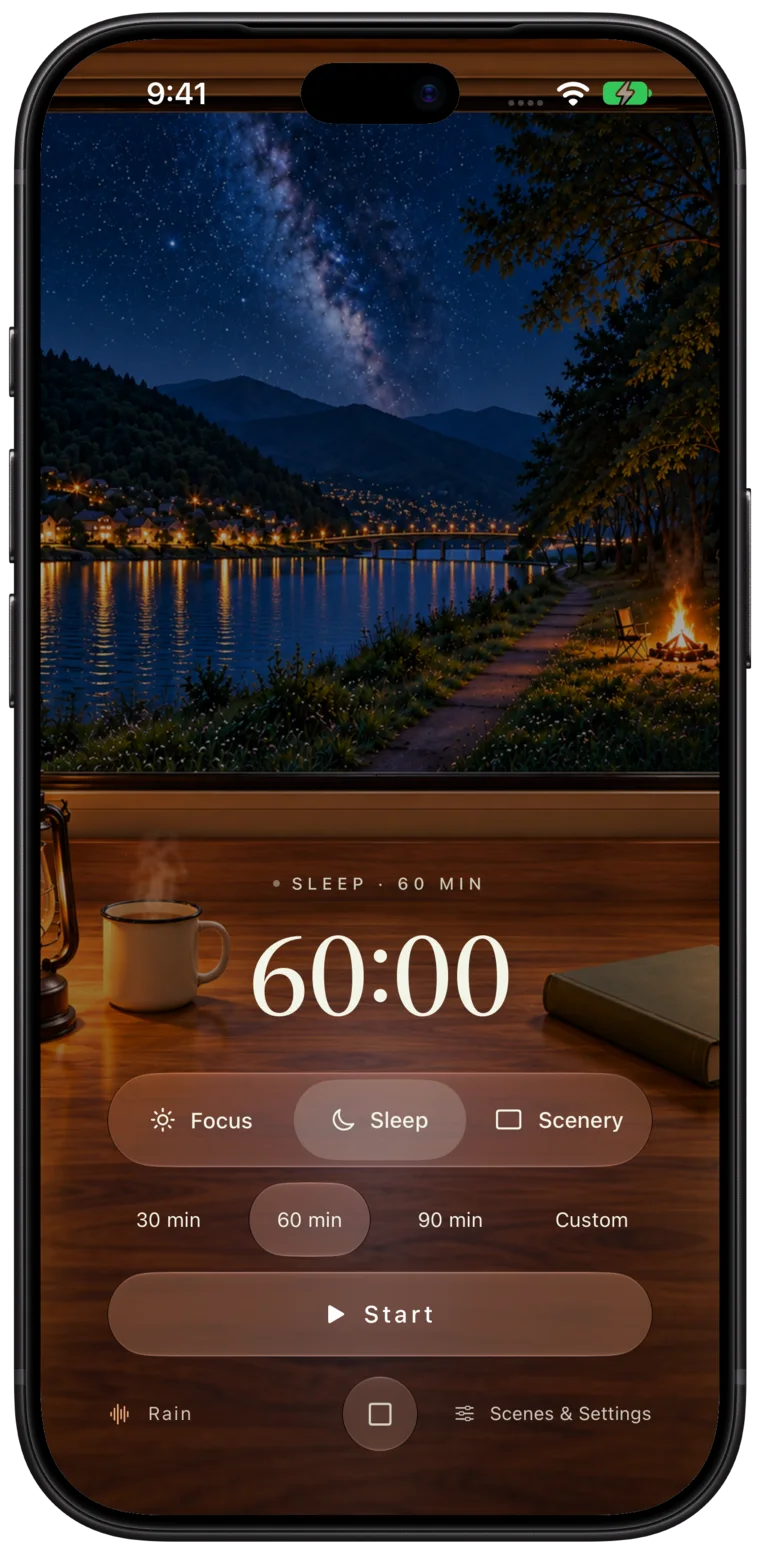
Sleep
Set a sleep timer for 30, 60 or 90 minutes, or your own length. Rain or forest sounds soften over the final 3 minutes and stop when time is up, never cutting off abruptly.
Scenery
No countdown, only the view and the sound. Play rain, forest sounds or a mix of both, and leave a little unhurried space for yourself.
Scenery Collection
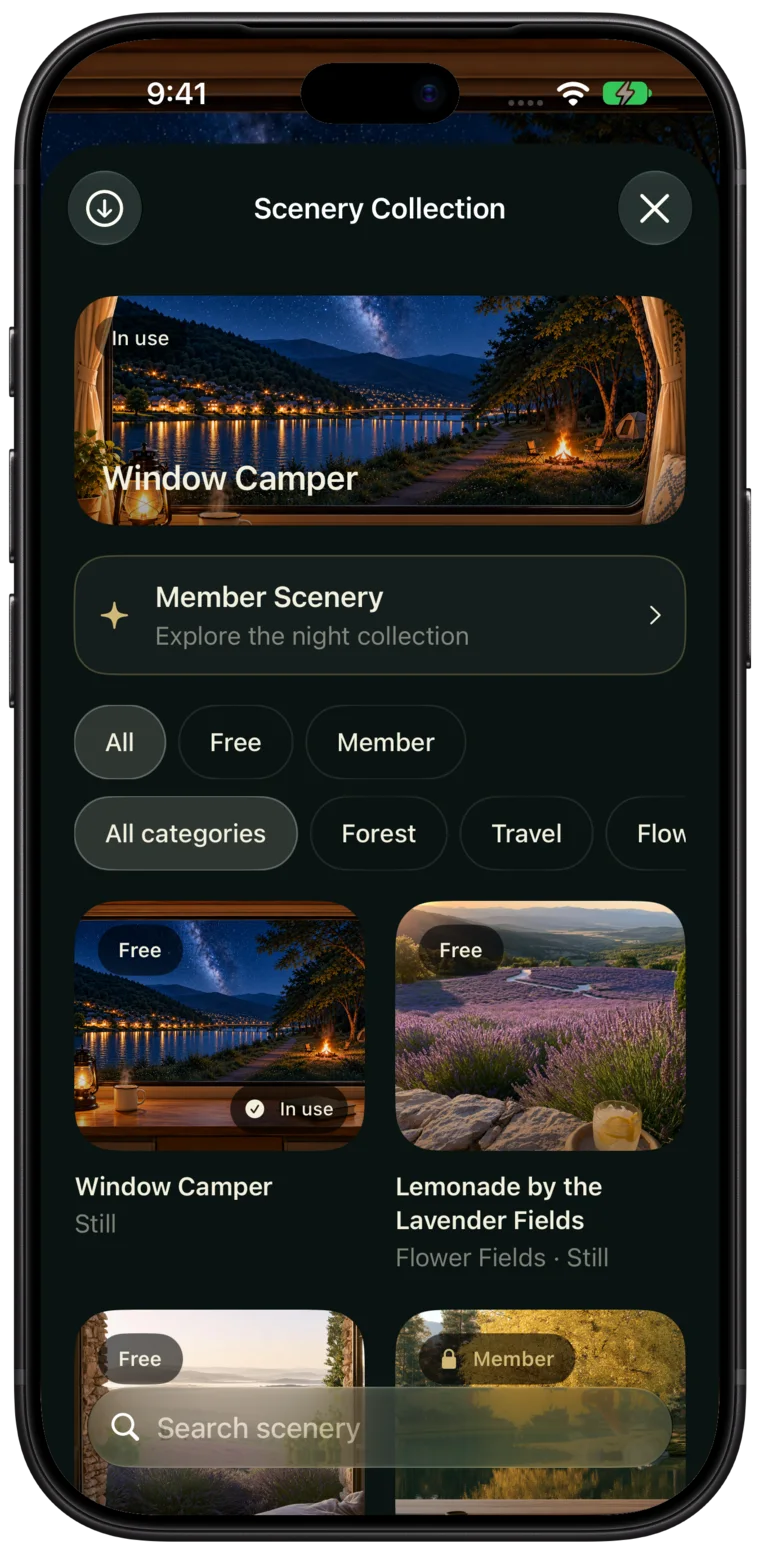
Start with the built-in camper window, then explore forests, getaways and flower fields in the Scenery Collection.
Slow Window is an app for iPhone, iPhone Duo and iPad that combines a window view, nature sounds (rain and forest) and a timer. It has three modes, Focus, Sleep and Scenery, for studying, working, taking a break or winding down before bed.
Slow Window supports opening and folding iPhone Duo. When it is closed, you can watch the view and countdown on the cover screen; open it and the view widens into the full camper window and desk. Focus and sleep timers and playback carry on through every fold without restarting.
It works the same way. Choose 15, 25 or 45 minutes, or any length from 1 to 720 minutes, and a 5-minute break starts automatically when the session ends. The difference is that a window view and nature sounds keep you company.
No. Choose 30, 60 or 90 minutes or a custom length. The sound gradually fades over the last 3 minutes and stops when the timer ends.
Yes. Timing and playback run on your device, and the built-in scene works offline. Other scenes play offline after you download them. Downloading scenes and verifying membership need an internet connection.
No. The timers work without an account. If you use membership, the app creates an anonymous identity in the background, with no email or password.
The app is free to download, and Focus, Sleep, Scenery and playback are fully available, along with free scenes. Membership offers monthly and yearly subscriptions that unlock all member scenes. Payment and cancellation are handled through your Apple Account.
Slow Window supports iPhone, iPhone Duo and iPad running iOS 17 or later. It is available now as a free download on the App Store.
Your timer history and playback are not uploaded. The membership backend stores only a random anonymous member ID and subscription status to verify membership and authorize downloads. See the privacy policy for details. Privacy policy
Slow Window is now on the App Store. Download it free and start today.
Download on the App Store